> For the complete documentation index, see [llms.txt](https://docs.bueno.art/llms.txt). Markdown versions of documentation pages are available by appending `.md` to page URLs; this page is available as [Markdown](https://docs.bueno.art/buenoverse/interactions/abilities/drivable.md).
# Drivable
Builders can make an object drivable in 2 ways. Remote controlled or a vehicle.
### Vehicle
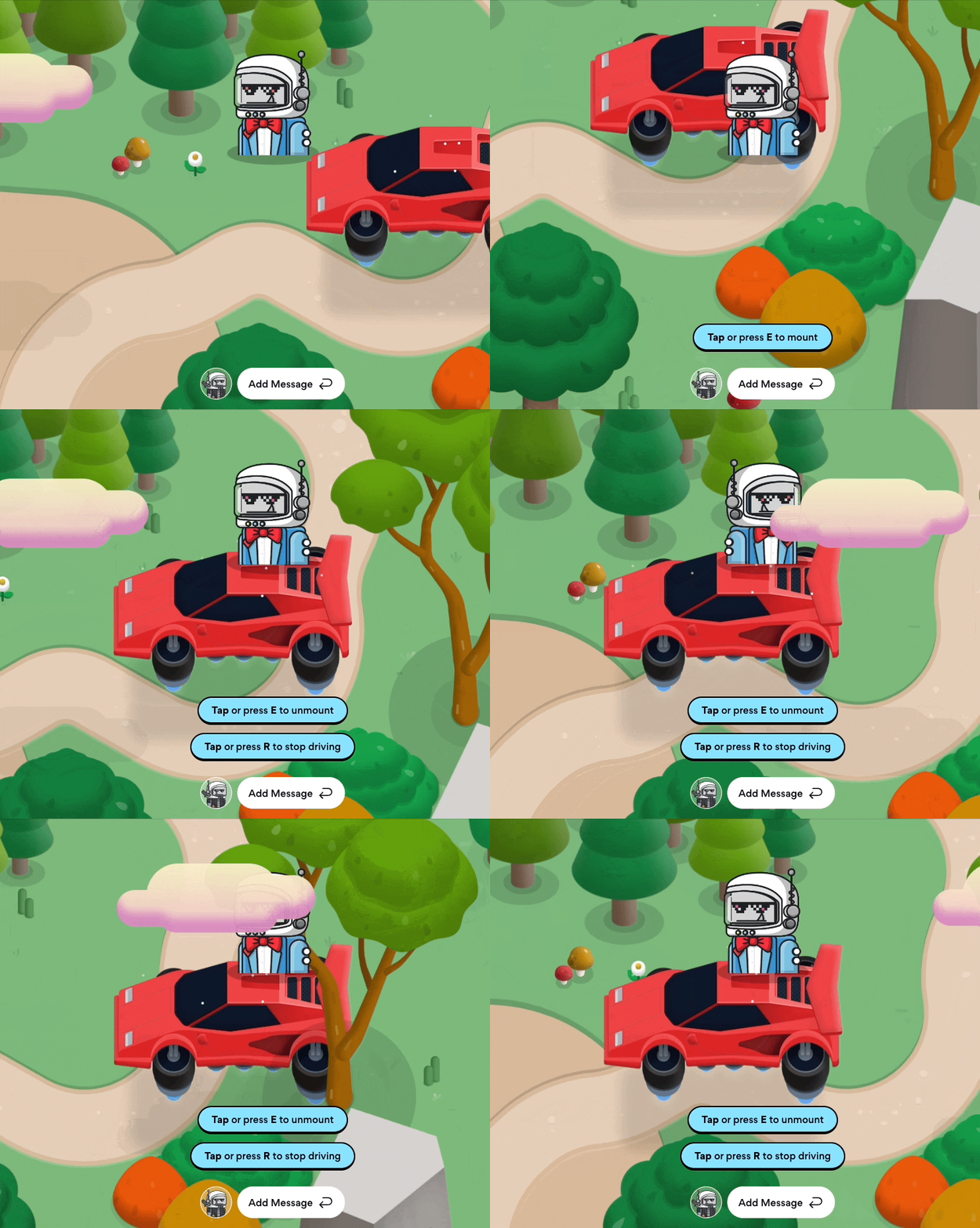
By default the drivable interaction requires a mount. When a player mounts the object, they can press a button to start steering the object. Players will move with it’s motion. This interaction works right out of the box when the object is already mountable. Multiple players can drive the object at once. The more people steer in 1 direction, the faster the object goes.
**Keep in mind that the drivable object does not account for hitboxes so it can go anywhere in the room.**
An example of a drivable vehicle
### Remote control
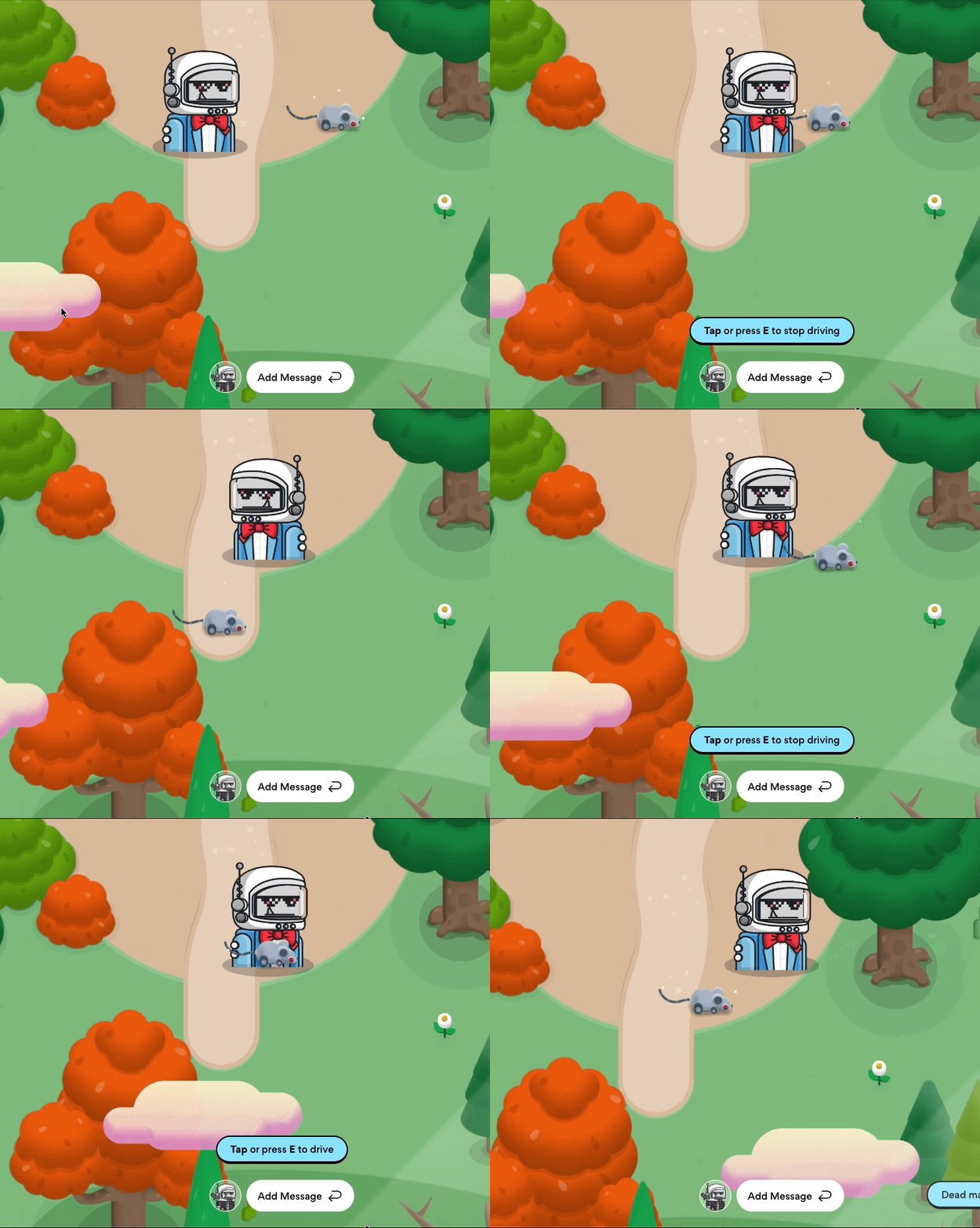
To remote control an object, disable the ‘Require mount’ setting in the drivable menu. In this menu builders can also alter the movement speed of the drivable object.