> For the complete documentation index, see [llms.txt](https://docs.bueno.art/llms.txt). Markdown versions of documentation pages are available by appending `.md` to page URLs; this page is available as [Markdown](https://docs.bueno.art/buenoverse/fundamentals/video.md).
# Video
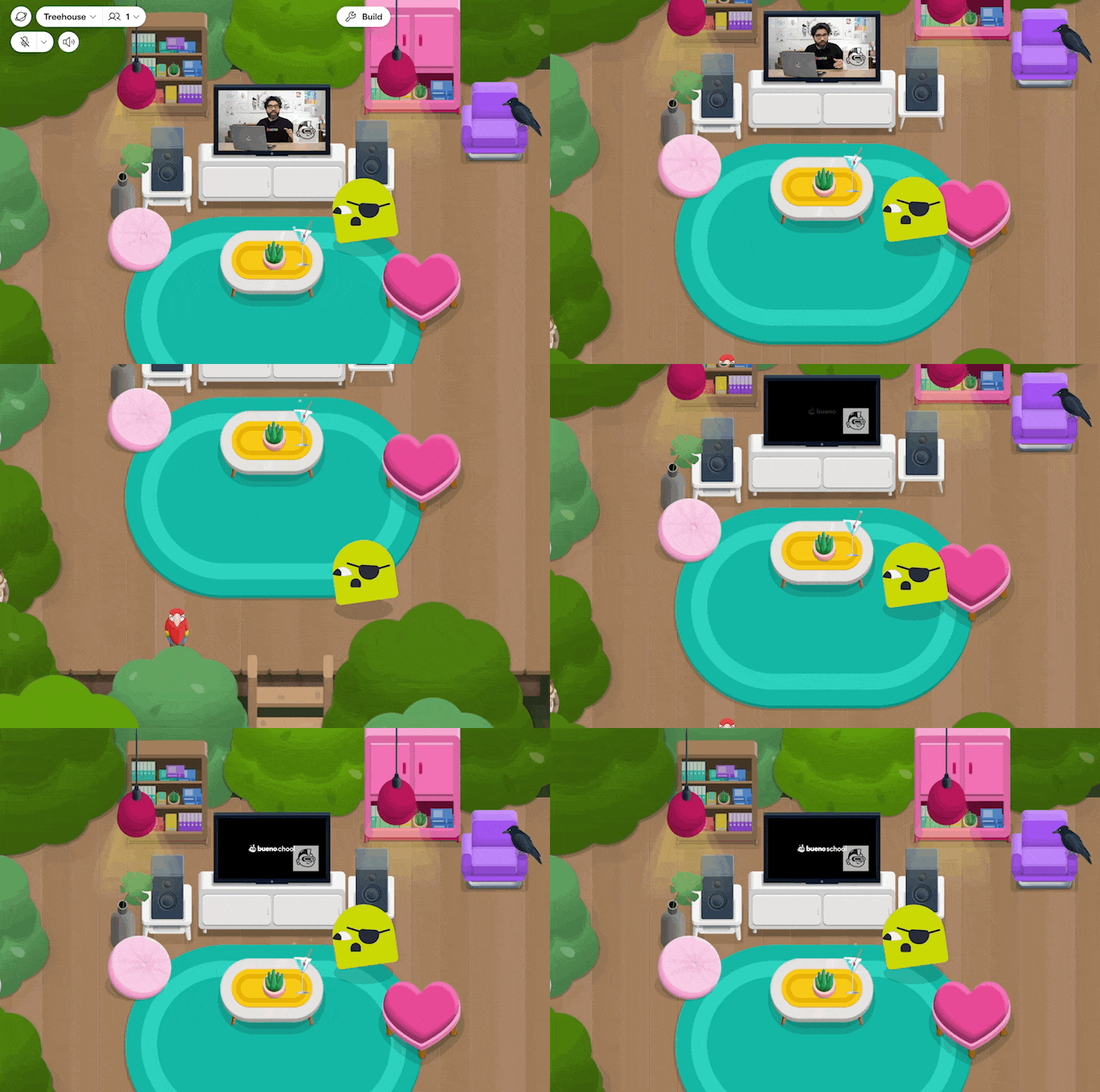
It’s possible to add a Youtube video (or Youtube livestream!) into a room by going to **Build Menu > Elements > Video**. Builders can alter the floor placement of the video as well as the z-index, like any other element.
Videos will autoplay once it enters the players viewport. When a player moves away, the video will keep playing.
{% hint style="info" %}
The playback is client side, so players can control when the video plays and pauses.
{% endhint %}