> For the complete documentation index, see [llms.txt](https://docs.bueno.art/llms.txt). Markdown versions of documentation pages are available by appending `.md` to page URLs; this page is available as [Markdown](https://docs.bueno.art/smart-contract-deployer/mint/minting-tools.md).
# Minting Tools
The **Minting Tools** section of the launch page is where you can customize either a Bueno-hosted mint on your Bueno collection page or a minting widget for your website.
## Minting Tools
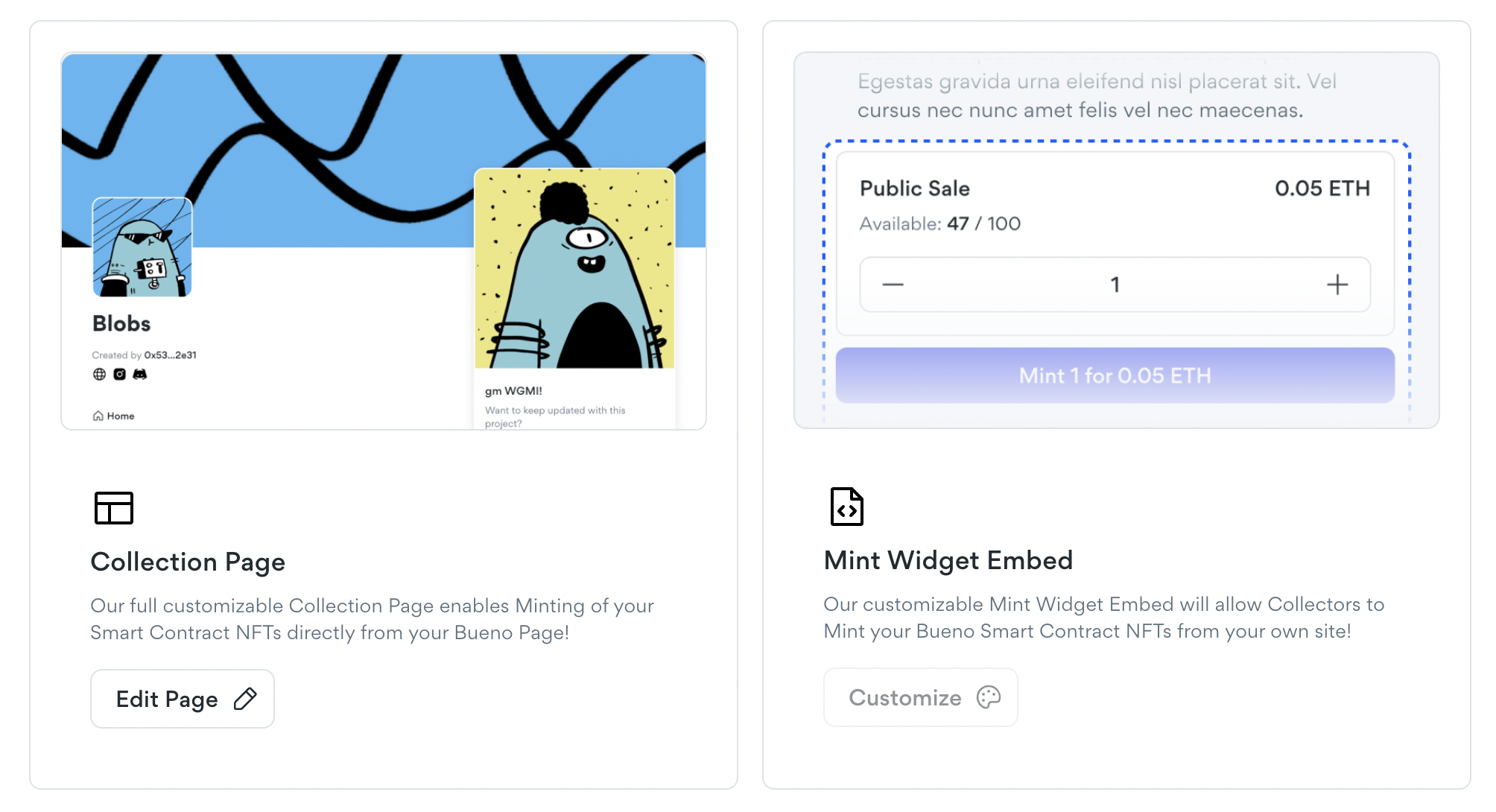
Now that you have a smart contract, you might be wondering how to mint your NFTs. We provide two easy-to-use options.
{% hint style="info" %}
**Tip**: Minting can be done directly from the contract via Etherscan as long as you don't have an allowlist associated with the minting phase.
{% endhint %}
### Bueno-hosted Collection Page
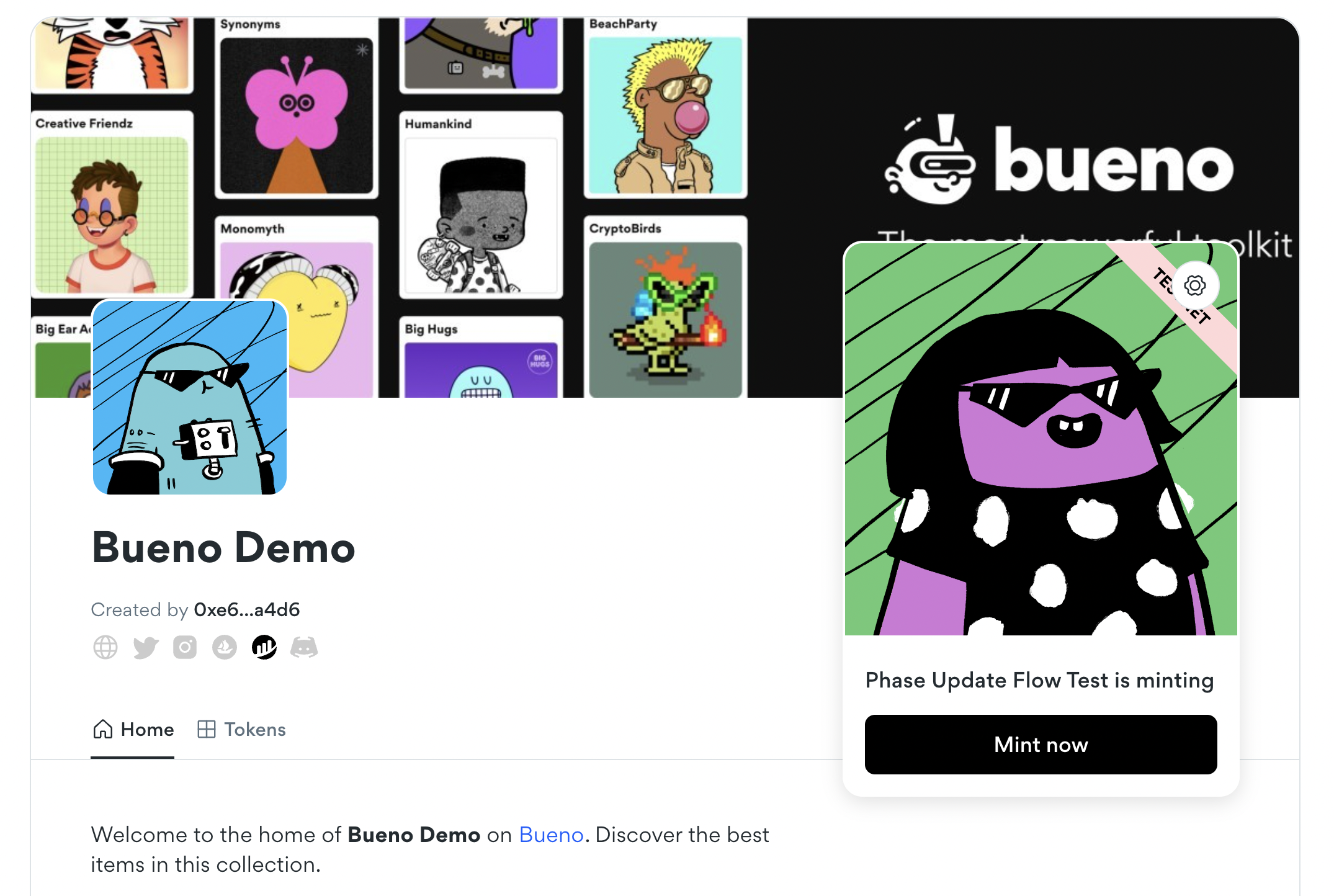
We offer a couple of customization options to get started with a fully hosted minting page. You can upload a thumbnail and background image, customize the button color, and add rich text to describe your project, add social media links, and more. The end result looks something like this:
{% hint style="info" %}
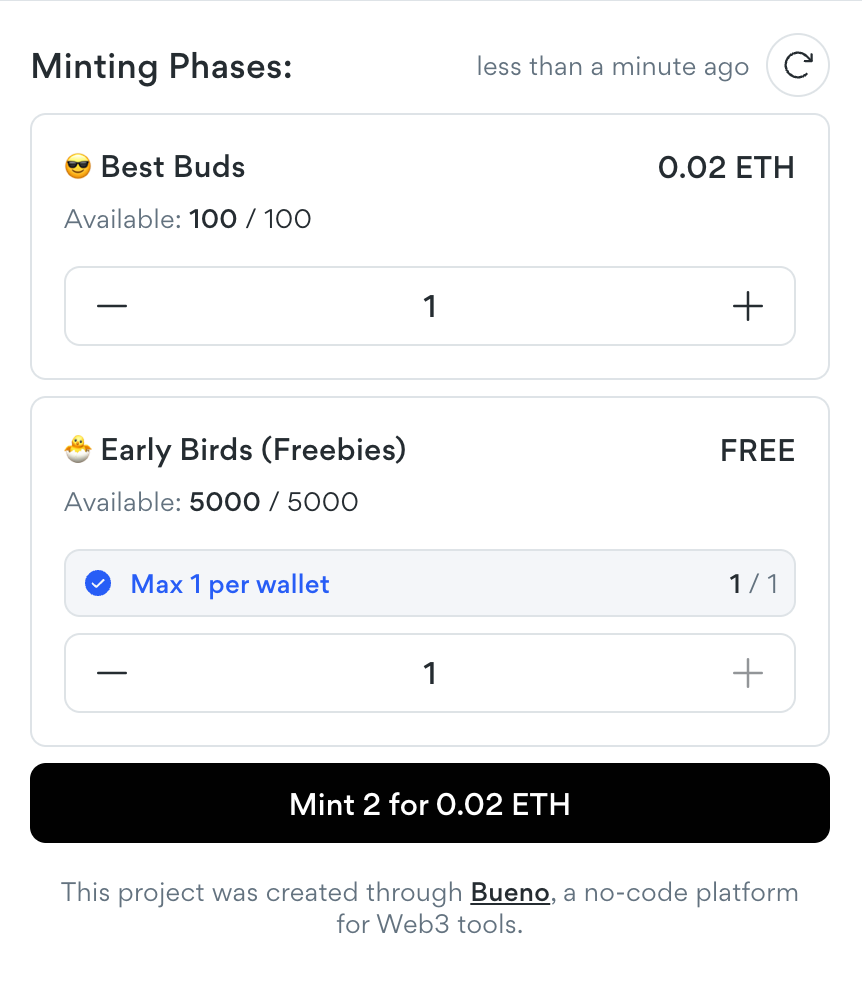
Collectors will only be able to see the phases their wallets are able to mint in the Bueno minting widget. This applies to both the dynamic widget in the collection page, as well as the embeddable widget.
{% endhint %}
### Embeddable Mint Widget
The Bueno mint widget lets you host the minting experience from your own website, without having to worry about the code involved in the minting process. Simply copy the embed code, and insert it onto your webpage. It supports all the same features as the minting page.
{% hint style="warning" %}
**Metamask iFrame Bug:** The Metamask desktop browser extension is not compatible with the mint widget if the embed code is placed in an iFrame. *This is a Metamask native bug, and unfortunately we do not have a way to fix it on our end.*
{% endhint %}