> For the complete documentation index, see [llms.txt](https://docs.bueno.art/llms.txt). Markdown versions of documentation pages are available by appending `.md` to page URLs; this page is available as [Markdown](https://docs.bueno.art/generator/generation-and-tokenset-management/generating-a-tokenset.md).
# Generating a Tokenset
Your collection is looking exactly how you like it, and you're ready to generate. Congrats! Upon generating and downloading your assets, you will be prompted with a payment screen in ETH to checkout.
{% hint style="info" %}
Creating a pre-generated or 1/1 tokenset costs the same amount as creating a tokenset with our art generator.
{% endhint %}
The Bueno Generator doesn’t charge until you are ready to export your tokens, and generation costs **0.00009 ETH per token**.
{% hint style="info" %}
**Easy Sample Pricing Guide:**
**100** tokens ↳ **0.009 ETH**
**1,000** tokens ↳ **0.09 ETH**
**10,000** tokens ↳ **0.9 ETH**
{% endhint %}
Your tokens will export in the same format as your original upload unless you select export as PNG from settings. Remember, Bueno currently only supports SVG, PNG, APNG and GIF uploads. PNGs with animation frames will always export as GIF files.
To begin your image and metadata generation, navigate to the **Launch** tab. You can do one last preview before getting started.
Bueno will guide you through every step in the process, so you can double-check for any mistakes before you pay to generate.
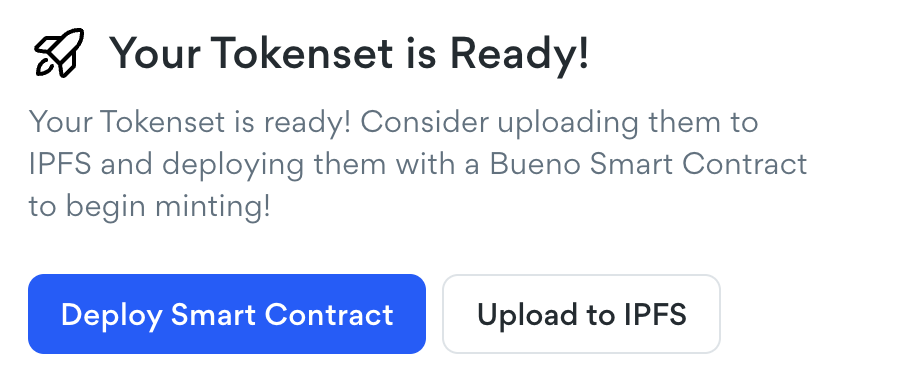
Once you've generated your collection, you can [upload to IPFS](/generator/generation-and-tokenset-management/upload-to-ipfs-with-pinata.md) with Bueno's Piñata or NFT.Storage integrations, or go straight into the Bueno Smart Contract Deployer!
#### About metadata - it’s really important!
Along with your tokens, Bueno will also export your [metadata](/generator/curating-your-collection/metadata.md) to a JSON or CSV file. This file contains important data about each of your tokens, including its name, a description of its traits and its link to the hosted image. You will need this metadata in order to deploy a smart contract.
If you use Bueno for your contract deployment needs, you do not need to worry about downloading any of these files as we will take care of that for you.